
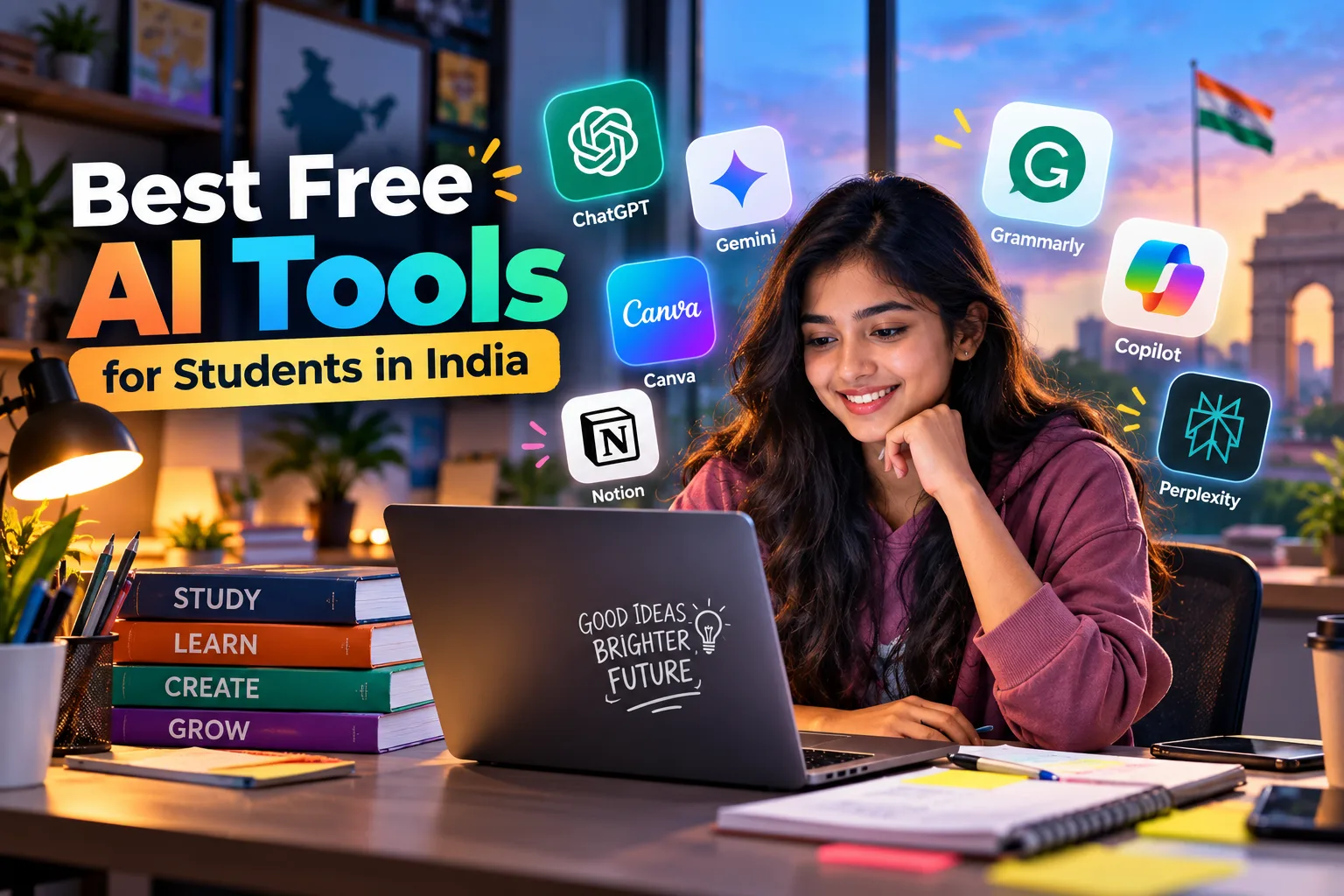
Artificial intelligence is becoming an important part of education in India. From school students preparing for board examinations to college students working on assignments and engineering students learning programming, AI tools can make studying easier, faster and more organised.
However, not every student wants to spend money on expensive AI subscriptions. The good news is that several popular AI platforms offer free versions that can help with studying, research, writing, mathematics, coding and presentations.
The challenge is choosing the right tools. Some AI platforms are better at explaining difficult concepts, while others are more useful for researching information, summarising PDFs or checking grammar.
In this guide, we will explore the 10 best free AI tools for students in India in 2026, their features, practical uses and how students can use them to improve their learning experience without spending money.
Why Should Students in India Use AI Tools?
Indian students often need to manage multiple responsibilities, including school or college classes, assignments, competitive examinations, projects and skill development. AI tools can help organise these activities and provide additional learning support.
For example, students can use AI to understand difficult topics, prepare revision notes, practise examination questions and improve their writing skills. College students can also use these tools to explore research topics, prepare presentations and learn technical skills.
AI tools are particularly useful because students can ask follow-up questions whenever they do not understand an explanation. Instead of searching through multiple websites, they can request a simpler explanation or a practical example.
However, AI should support education rather than replace independent learning. Students must still practise questions themselves, verify important information and understand the concepts behind their answers.
Top 10 Best Free AI Tools for Students in India
1. ChatGPT – Best AI Tool for Overall Study Assistance
ChatGPT is one of the most versatile AI tools for students. It can explain academic concepts, generate practice questions, organise revision schedules and help students understand subjects that seem difficult at first.
School students can use it to understand mathematics, science, English and social studies. College students can use it to explore business concepts, prepare project outlines and learn programming fundamentals.
One useful feature is its ability to adapt explanations to different learning levels. Students can request a simple explanation, a detailed answer or an example based on everyday situations.
Best uses of ChatGPT:
- Understanding difficult chapters and concepts.
- Preparing revision notes and practice questions.
- Creating examination preparation schedules.
- Learning English grammar and communication.
- Understanding programming concepts and errors.
For example, a Class 12 student can ask ChatGPT to explain an important physics chapter in simple language, followed by numerical problems and a short practice test.
ChatGPT offers a free plan, although some models and advanced features have usage limits.
2. Google Gemini – Best for Learning and Brainstorming
Google Gemini is another useful AI assistant for students who need help with everyday academic tasks. It can explain concepts, suggest project ideas, organise information and assist with writing.
Students can ask Gemini to prepare a revision timetable, explain a historical event, compare scientific concepts or suggest topics for a college presentation.
It can also be useful for students who prefer asking questions in Hindi or English. Students should still check technical definitions and important answers against their prescribed study material.
Best uses of Google Gemini:
- Understanding academic subjects.
- Brainstorming project and presentation ideas.
- Creating quizzes and revision schedules.
- Organising information for assignments.
- Exploring topics for further research.
For example, a student preparing for a commerce examination can request a comparison between financial accounting and management accounting, along with examples and practice questions.
Gemini offers free access with limits that can vary by feature and account. Students should check the current terms before relying on advanced capabilities.
3. Google NotebookLM – Best for Notes and PDF Summaries
NotebookLM is particularly useful for students who already have textbooks, lecture notes, study guides and PDF documents.
Students can add supported source materials and ask questions about them. The tool can help summarise chapters, explain key ideas and prepare revision material based on the uploaded sources.
This is useful during school examinations, college semester tests and competitive examination preparation, when students need to revise a large amount of information.
Best uses of NotebookLM:
- Summarising lecture notes and PDFs.
- Preparing chapter-wise revision guides.
- Asking questions about uploaded study materials.
- Creating study guides and quizzes.
- Generating Audio Overviews for listening-based revision.
For example, a college student with several economics PDFs can organise the material, identify important concepts and create practice questions before an examination.
NotebookLM is especially valuable because students can refer back to their source materials when checking answers. However, generated summaries may omit details, so the original notes remain important.
Google has also been integrating NotebookLM into its wider Gemini ecosystem, so students may encounter updated names and features.
4. Perplexity AI – Best for Research and Current Affairs
Perplexity AI is designed to help users research topics and discover information from online sources. It provides answers with citations, making it useful when students need to investigate topics beyond their textbooks.
College students can use it for business studies, environmental research, technology projects and presentations. Competitive examination aspirants can also use it to explore current affairs and identify relevant sources.
Best uses of Perplexity AI:
- Researching academic topics.
- Finding sources for college projects.
- Exploring current affairs.
- Comparing information from different sources.
- Identifying original reports and publications.
For example, a management student researching renewable energy in India can use Perplexity to find relevant reports and explore developments in the sector.
The important advantage is that students can open the cited sources and verify the information. Citations do not guarantee that an answer is correct, so the original publications should always be checked.
Perplexity has a free plan, but advanced research features and usage limits can vary.
5. Claude – Best for Long Documents and Academic Writing
Claude is an AI assistant that can help students understand lengthy reading materials, organise arguments and improve written work.
It is particularly useful for students working on case studies, business reports, research papers and other assignments that require careful analysis.
Students can provide supported documents and ask the tool to identify key arguments, explain difficult passages or organise information into a clear structure.
Best uses of Claude:
- Summarising lengthy documents.
- Understanding research papers and case studies.
- Creating outlines for reports and essays.
- Improving clarity and sentence structure.
- Identifying gaps in an argument.
For example, a BBA student can use Claude to analyse a business case study by identifying the main problem, available evidence, possible solutions and final recommendations.
Claude offers a free plan with usage limits. Students should use it to develop their understanding and review their own writing rather than submitting AI-generated work without checking it.
6. Canva – Best for Presentations and College Projects
Canva is a useful design platform for students who need to prepare presentations, posters, infographics and project documents.
Its templates and editing tools make it possible to create professional-looking educational materials without advanced graphic design skills. Canva also provides AI-assisted features, although some features and premium assets may require payment.
Best uses of Canva:
- Designing school project covers.
- Preparing college seminar presentations.
- Creating educational posters and infographics.
- Designing charts and visual summaries.
- Organising information into attractive slides.
For example, a student preparing a presentation about artificial intelligence can use Canva to create slides covering its applications, benefits, limitations and future possibilities.
Canva’s free plan is a practical starting point for students. However, a good presentation still depends on accurate information, clear explanations and readable slide layouts.
7. Grammarly – Best for English Grammar and Proofreading
Grammarly helps students improve their written English by identifying spelling mistakes, grammatical errors and unclear sentences.
It can be especially useful for students preparing assignments, reports, formal emails and applications for internships or placements.
Students who are still developing their English writing skills can also learn from the corrections instead of simply accepting them.
Best uses of Grammarly:
- Checking grammar and spelling.
- Improving sentence clarity.
- Reviewing formal emails.
- Proofreading assignments and reports.
- Identifying punctuation mistakes.
For example, a student can write an assignment independently and use Grammarly to identify errors before submitting it.
Grammarly offers free writing assistance, while advanced features may require a paid subscription. Students should also follow their institution’s rules regarding AI-assisted writing.
8. GitHub Copilot – Best for Coding Students
GitHub Copilot is an AI coding assistant designed to help developers write and understand code. It is particularly relevant for students pursuing BCA, B.Tech, computer science, information technology and related courses.
It can suggest code, explain programming concepts and help students investigate errors in supported development environments.
Students can use it while learning languages such as Python, JavaScript, Java and C++, depending on their programming environment and requirements.
Best uses of GitHub Copilot:
- Understanding unfamiliar code.
- Learning programming concepts.
- Suggesting functions and code structures.
- Debugging common programming errors.
- Exploring tests and documentation.
For example, a beginner learning Python can ask for an explanation of a program that checks whether a number is prime, including test cases and common mistakes.
GitHub offers free coding assistance options, and eligible students may qualify for additional benefits through student verification.
Students should remember that working code is not the same as understanding code. Attempting exercises independently is essential for developing real programming skills.
9. Google Colab – Best for Python and Data Science
Google Colab is a cloud-based environment for writing and running Python code. It is especially useful for students learning programming, statistics, data analysis and machine learning.
Unlike a general-purpose chatbot, Colab allows students to execute code and observe the results directly in their browser.
This makes it a practical option for technical coursework and small projects that involve calculations, datasets or visualisations.
Best uses of Google Colab:
- Practising Python programming.
- Analysing datasets.
- Creating charts and graphs.
- Learning basic machine learning.
- Running coding experiments without a full local setup.
For example, a BCA student can import a sample dataset, calculate averages and create graphs to understand basic data analysis.
Google Colab offers free access with resource and usage limitations. Availability of computing resources can vary, but the free option is useful for many beginner projects.
10. Wolfram Alpha – Best for Mathematics and Scientific Calculations
Wolfram Alpha is a computational tool that helps students solve mathematical problems and explore scientific calculations.
It can be useful for algebra, calculus, equations, statistics and other technical subjects. Students can use it to check numerical answers and investigate mathematical relationships.
Best uses of Wolfram Alpha:
- Evaluating mathematical expressions.
- Solving supported equations.
- Checking calculus and algebra results.
- Exploring graphs and mathematical relationships.
- Verifying scientific calculations.
For example, a student can enter a quadratic equation, examine the roots and compare the results with their own calculations.
Wolfram Alpha provides free features, while some advanced step-by-step solutions require a paid plan.
Students should focus on understanding the method used to solve a problem rather than memorising the final answer.
Which Free AI Tool Is Best for Different Students?
Different students have different learning requirements. A school student may need simple explanations and revision questions, while an engineering student may need coding support and mathematical calculations.
Here is a practical guide to choosing the right tools.
| Student category | Recommended AI tools |
|---|---|
| Classes 6–10 | ChatGPT, Gemini, NotebookLM |
| Classes 11–12 | ChatGPT, Gemini, Wolfram Alpha |
| JEE and NEET aspirants | ChatGPT, Gemini, NotebookLM |
| B.Com and BBA students | ChatGPT, Perplexity, Canva |
| BA and MA students | Claude, Perplexity, NotebookLM |
| BCA and B.Tech students | GitHub Copilot, Google Colab, ChatGPT |
| UPSC and other competitive exam aspirants | Perplexity, ChatGPT, NotebookLM |
| Students improving English | Grammarly, ChatGPT |
These recommendations are starting points rather than guarantees of accuracy. Students preparing for competitive examinations should verify information using official notifications, prescribed textbooks and reliable question papers.
How to Use AI Tools for Exam Preparation
Using AI effectively requires a clear study routine. Instead of asking a chatbot to complete all your work, use it at different stages of learning.
First, identify the chapters and topics you need to study. Then ask an AI assistant to explain difficult concepts using examples appropriate to your course.
Next, prepare revision notes from your own study materials. A document-focused tool such as NotebookLM can help organise information and generate questions based on supported sources.
After revising, attempt practice questions without looking at the answers. You can then use AI to review your mistakes, explain difficult questions and suggest topics that need further revision.
Finally, compare important answers with your textbook or official study resources. This process helps students develop independent problem-solving skills while benefiting from AI assistance.
Are Free AI Tools Safe for Students?
AI tools can be useful, but students should use them carefully.
Never share passwords, identity documents or confidential academic records with an AI platform unless you understand the relevant privacy protections and genuinely need to provide the information.
Students should also verify facts, statistics, quotations and references before using them in assignments. AI systems can produce incorrect or outdated information, even when an answer sounds convincing.
Another important consideration is academic integrity. Students should follow their school’s or university’s rules about AI assistance, acknowledge sources when required and avoid presenting generated work as entirely their own.
For younger students, parental guidance can help ensure that AI tools are used appropriately.
FAQs
Which is the best free AI tool for students in India?
ChatGPT is a strong all-round choice for explanations, practice questions and study planning. NotebookLM is particularly useful for revising from notes, while Perplexity helps with research and source discovery.
Are free AI tools available to Indian students?
Yes. Several AI platforms offer free plans that students in India can use. However, certain advanced features, higher usage limits and premium models may require payment.
Which AI tool is best for CBSE students?
ChatGPT and Gemini can explain CBSE concepts and generate practice questions. NotebookLM can help students revise their study materials. Students should always follow the current syllabus and prescribed textbooks.
Can AI tools help with JEE and NEET preparation?
Yes. AI tools can explain difficult concepts, generate practice questions and support revision. However, students should prioritise NCERT textbooks, official examination information and reliable practice materials.
Can AI summarise PDF notes?
Yes. NotebookLM is designed to work with supported source documents, including PDFs. Other AI assistants may also support document uploads, depending on their features and free-plan limits.
Can students complete college assignments using AI?
AI can assist with research, brainstorming, explanations and proofreading. Students should check their institution’s rules, verify information and ensure that their submitted work reflects their own understanding.
Conclusion
Free AI tools are making educational assistance more accessible to students across India. From school examinations and college assignments to programming and research, these platforms can help students study more efficiently and develop useful skills.
For most students, a practical starting combination is ChatGPT for learning, NotebookLM for revision, Perplexity for research and Canva for presentations. Technical students can add GitHub Copilot and Google Colab to their toolkit.
You do not need to use all ten tools or pay for multiple subscriptions. Start with the tools that address your immediate learning needs, check their free-plan limits and build a study routine around them.
The real advantage comes from using AI to understand concepts, practise independently and improve your skills—not simply to finish assignments faster.