
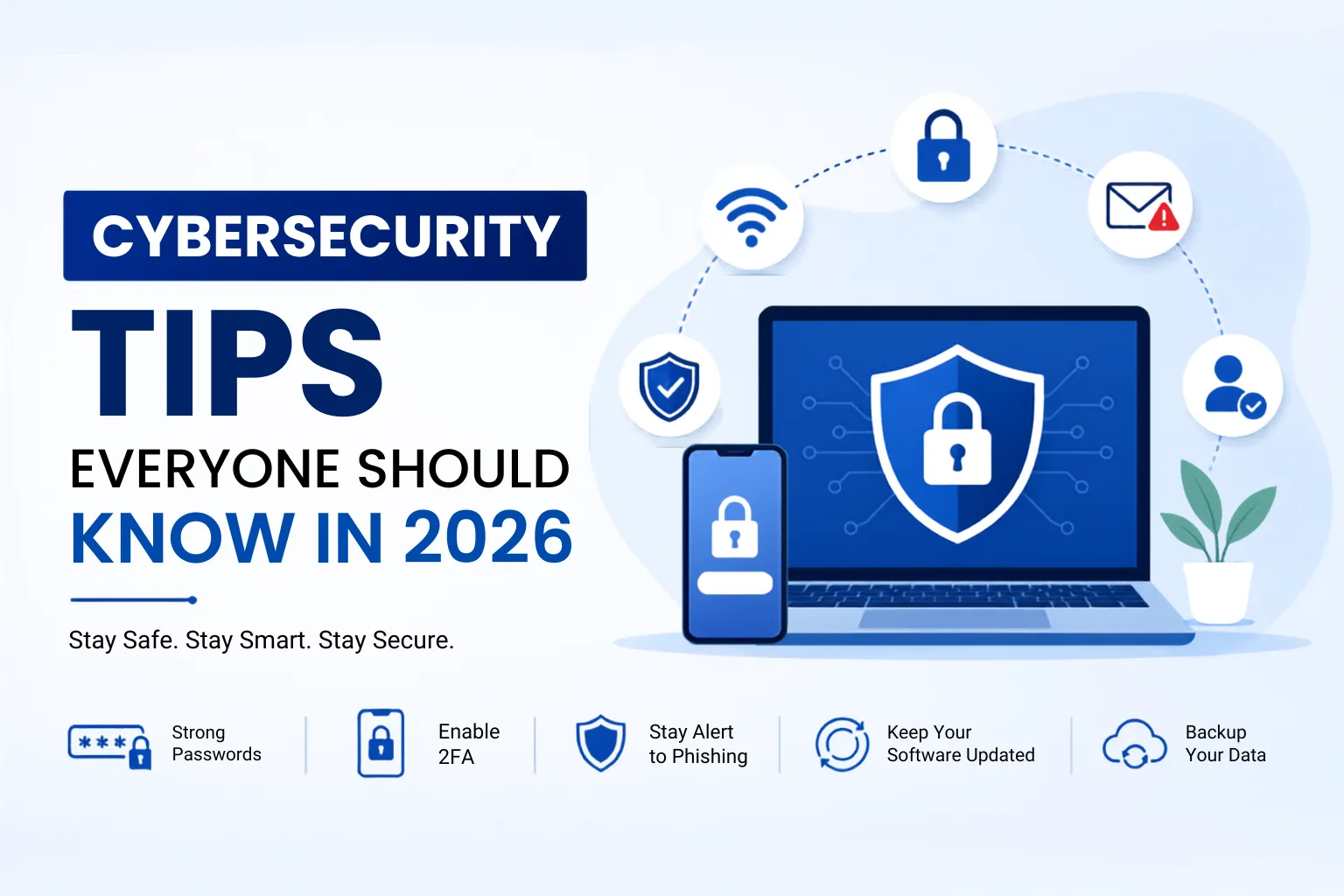
Cybersecurity is no longer just an IT concern – it affects everyone who uses a smartphone, computer, or the internet. From online banking and shopping to remote work and social media, our daily lives depend on digital services that can become targets for cybercriminals.
In 2026, cyber threats are becoming more sophisticated. AI-powered phishing emails, fake customer support agents, deepfake videos, and identity theft schemes are making scams more convincing than ever. At the same time, data breaches continue to expose millions of personal records worldwide, putting users at greater risk of financial loss and privacy violations.
The good news is that you don’t need to be a cybersecurity expert to stay safe. By following a few practical cybersecurity tips, you can significantly reduce your risk of becoming a victim of cybercrime.
This guide explains the most important cybersecurity tips everyone should know in 2026, along with common mistakes to avoid, useful security tools, and a simple checklist to strengthen your digital security.
Why Cybersecurity Is More Important Than Ever
Cybercrime continues to grow as more people work remotely, shop online, and store personal information in cloud services.
Some of the biggest cyber threats in 2026 include:
- AI-generated phishing emails that closely imitate legitimate messages.
- Identity theft using stolen personal information.
- Large-scale data breaches exposing passwords and financial details.
- Online financial fraud targeting digital payment users.
- Fake customer support scams using AI voice cloning.
A single click on a malicious link can result in stolen passwords, locked devices through ransomware, or unauthorized access to your bank account. Fortunately, adopting strong cyber hygiene can dramatically reduce these risks.
Top Cybersecurity Tips Everyone Should Follow
Use Strong and Unique Passwords
Passwords remain your first line of defense.
Follow these password security best practices:
- Create long passphrases with at least 16 characters.
- Never reuse passwords across multiple accounts.
- Include a mix of letters, numbers, and symbols where appropriate.
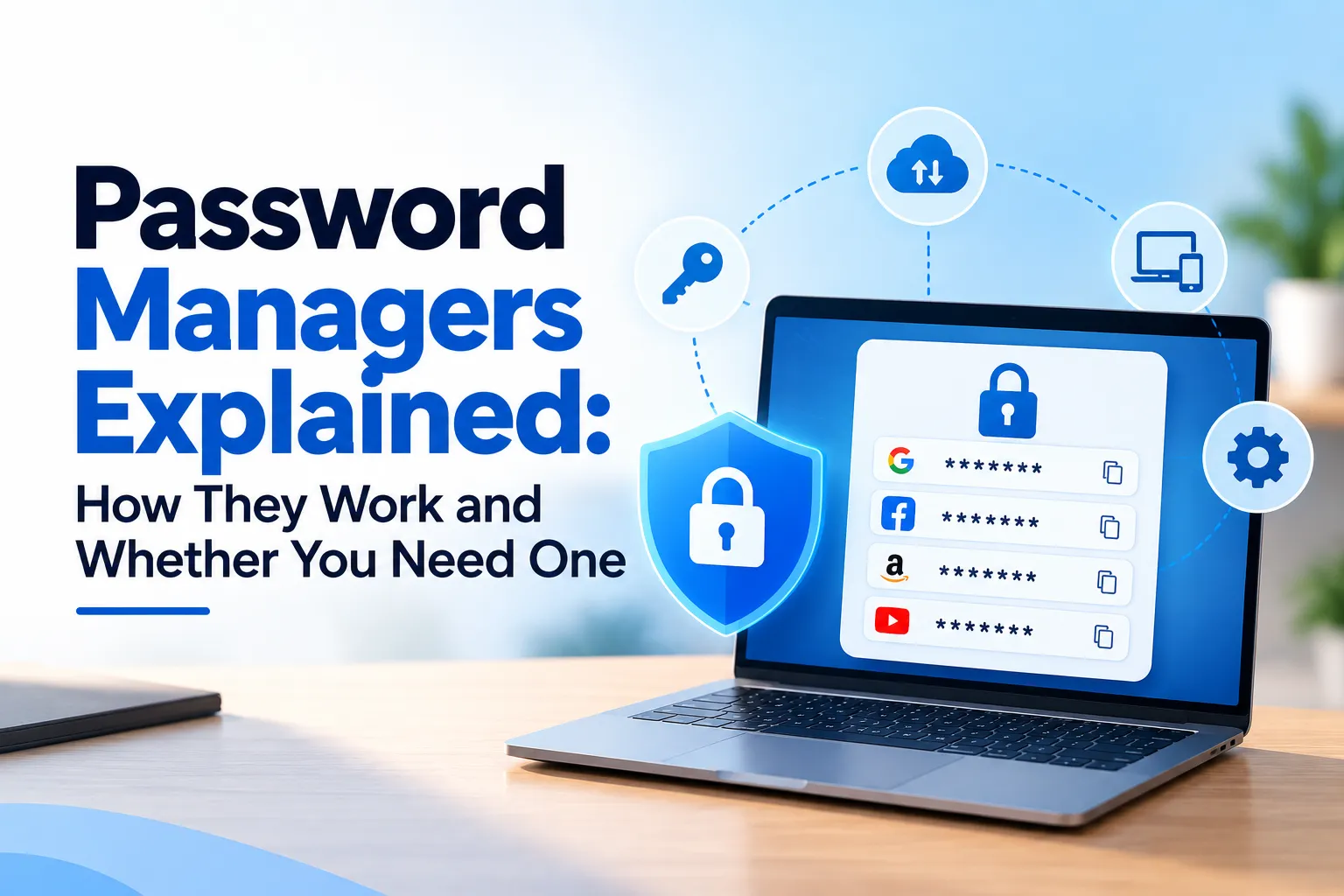
- Use a reputable password manager to generate and securely store unique passwords.
Example: If one website experiences a data breach, reused passwords could allow attackers to access your email, banking, and social media accounts.
Enable Two-Factor Authentication (2FA)
Two-factor authentication adds another layer of protection beyond your password.
Even if someone steals your password, they still need a second verification step, such as:
- Authentication app code
- Hardware security key
- One-time verification code
Whenever possible, prefer authenticator apps or security keys over SMS-based codes for stronger protection.
Beware of Phishing Scams
Phishing attack prevention is one of the most important online safety tips.
Watch for:
- Fake emails requesting urgent action
- Suspicious SMS messages
- QR code scams leading to fake websites
- Fake login pages designed to steal passwords
Before clicking any link:
- Verify the sender.
- Check the website address carefully.
- Look for unusual spelling or grammar.
- Never rush because of threatening messages.
Keep Software Updated
Software updates are not just about new features—they often fix critical security vulnerabilities.
Regularly update:
- Operating system
- Web browser
- Mobile apps
- Antivirus software
- Smart devices
Enable automatic updates whenever available to reduce the risk of exploitation.
Avoid Public Wi-Fi Without Protection
Free public Wi-Fi can expose your data if the network is unsecured.
When using public internet:
- Avoid online banking.
- Use a trusted VPN if you must access sensitive information.
- Turn off automatic Wi-Fi connections.
- Disable file sharing on public networks.
Secure internet practices become especially important when traveling or working remotely.
Secure Your Smartphone
Smartphones contain personal messages, banking apps, passwords, and photos.
Protect your device by:
- Using fingerprint, facial recognition, or a strong PIN.
- Reviewing app permissions regularly.
- Downloading apps only from official app stores.
- Enabling Find My Device or similar tracking features.
- Locking your phone automatically after inactivity.
Backup Your Important Data
Backups protect against ransomware, hardware failure, and accidental deletion.
A simple strategy is the 3-2-1 Backup Rule:
- Keep 3 copies of your data.
- Store them on 2 different types of media.
- Keep 1 copy offsite or in secure cloud storage.
Regular backups can save hours—or even years—of valuable work.
Protect Your Social Media Accounts
Social media accounts are common targets for hackers.
Improve online privacy by:
- Adjusting privacy settings.
- Avoiding oversharing personal details.
- Rejecting unknown friend requests.
- Enabling 2FA.
- Reviewing connected third-party apps periodically.
Remember, information shared publicly can be used in identity theft or phishing attacks.
Shop Online Safely
Online shopping remains convenient, but fake stores and scams continue to grow.
Before making a purchase:
- Verify the website uses HTTPS.
- Use trusted payment methods.
- Avoid unrealistic discounts.
- Research unfamiliar sellers.
- Never enter payment details on suspicious websites.
If a deal looks too good to be true, it probably is.
Learn to Recognize AI-Powered Scams
One of the defining cyber threats of 2026 is the increasing use of artificial intelligence by attackers.
Examples include:
- Deepfake videos impersonating trusted individuals.
- AI-generated phishing emails with natural language.
- Voice cloning used to mimic family members or executives.
- Fake customer support chats that appear authentic.
If someone requests money, passwords, or confidential information, verify their identity through a separate, trusted communication channel before taking action.
Want to understand how AI actually works? Read our complete guide on Artificial Intelligence (AI): A Complete Beginner’s Guide.
Common Cybersecurity Mistakes to Avoid
Many successful cyberattacks exploit everyday mistakes rather than advanced hacking techniques.
Avoid these common errors:
- Clicking unknown links.
- Downloading pirated software.
- Ignoring software updates.
- Sharing OTPs or verification codes.
- Using weak or reused passwords.
- Plugging into public USB charging stations without using a data-blocking adapter or your own charger.
Small changes in daily habits can greatly improve your digital security.
Essential Cybersecurity Checklist
| Security Practice | Recommended Action |
| Password Update | Use unique, strong passwords and review them regularly |
| Enable 2FA | Turn on two-factor authentication for important accounts |
| Backup Files | Follow the 3-2-1 backup strategy |
| Update Software | Enable automatic updates |
| Check Privacy Settings | Review social media and app permissions |
| Scan Devices | Perform regular malware scans |
| Secure Wi-Fi | Use WPA3 (if available), change default router passwords, and keep router firmware updated |
Cybersecurity Tools Worth Using in 2026
| Tool Type | Purpose |
| Password Manager | Generate and securely store unique passwords |
| VPN | Encrypt internet traffic on untrusted networks |
| Antivirus | Detect and remove malware |
| Authenticator App | Generate secure 2FA verification codes |
| Cloud Backup | Protect important files from loss |
| Secure Browser | Improve privacy and reduce online tracking |
Choose tools based on independent testing, regular updates, transparency, and compatibility with your devices rather than brand popularity alone.
Looking for productivity-focused AI software? Explore our list of the Best Free AI Tools You Should Try in 2026.
Frequently Asked Questions
1. What is the biggest cybersecurity threat in 2026?
AI-powered phishing, identity theft, ransomware, and social engineering attacks are among the most significant cybersecurity threats.
2. Is antivirus still necessary?
Yes. While antivirus software is not a complete security solution, it remains an important layer of defense against malware and other threats.
3. How often should I change my passwords?
Change passwords immediately if you suspect compromise or after a known data breach. Otherwise, prioritize using long, unique passwords with 2FA over frequent routine changes.
4. Is public Wi-Fi safe?
Public Wi-Fi should be treated as untrusted. Use a VPN for sensitive activities or avoid accessing confidential accounts until you’re on a trusted network.
5. What is phishing?
Phishing is a scam where attackers trick users into revealing passwords, financial information, or other sensitive data by pretending to be legitimate organizations.
6. Can smartphones be hacked?
Yes. Smartphones can be compromised through malicious apps, phishing links, outdated software, and insecure networks.
7. What is two-factor authentication?
Two-factor authentication requires a second verification step in addition to your password, making unauthorized account access much more difficult.
8. How can I improve my online privacy?
Use strong passwords, enable 2FA, review privacy settings, limit personal information shared online, keep software updated, and use trusted security tools.
Key Takeaways
- Cybersecurity is everyone’s responsibility.
- Use unique passwords for every account.
- Enable two-factor authentication wherever possible.
- Stay alert for phishing and AI-powered scams.
- Keep devices and software updated.
- Back up important data regularly.
- Protect your online privacy with smart browsing habits.
- Think before clicking links or downloading files.
Artificial intelligence is changing both cybersecurity and our daily lives. Learn more in How Artificial Intelligence Is Transforming Everyday Life.
Conclusion
Cybersecurity in 2026 is about building smart habits rather than relying on a single security tool. Attackers continue to evolve their methods, especially by using artificial intelligence to make scams more convincing. Fortunately, following practical cybersecurity tips such as using strong passwords, enabling two-factor authentication, updating software, backing up important files, and recognizing phishing attempts can dramatically reduce your risk.
Whether you’re a student, professional, business owner, or everyday internet user, taking a few minutes to improve your digital security today can prevent costly problems tomorrow. Staying informed and practicing good cyber hygiene remain the best defenses against evolving online threats. Remember: prevention is almost always easier – and less expensive – than recovery.