
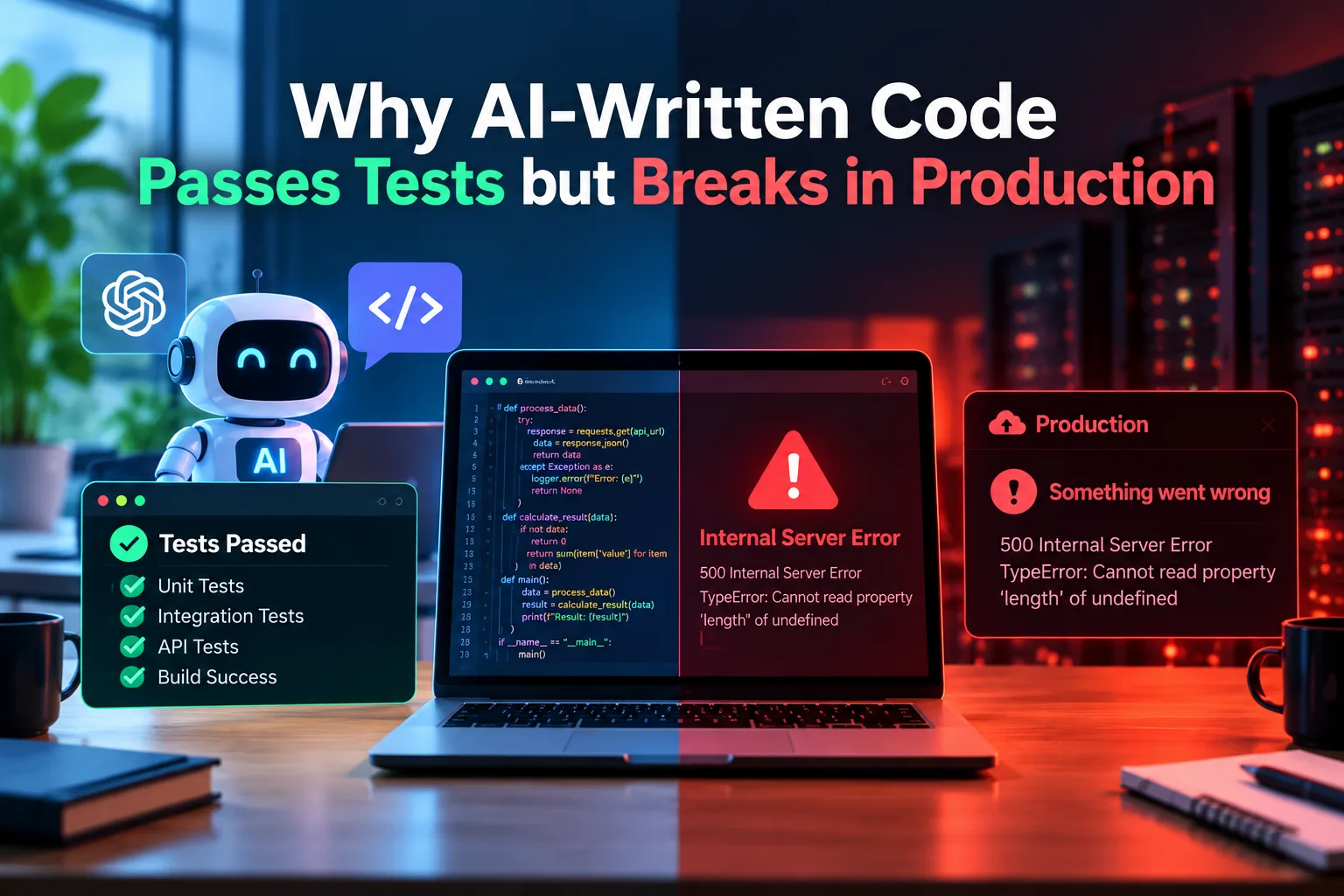
AI coding assistants can produce a working function in seconds. The tests go green, the pull request looks clean, and the code ships. Then, a few days later, something breaks. A queue backs up, a customer sees someone else’s data, or a service falls over at 2 a.m.
This pattern is common, and it has little to do with whether the AI is “good” or “bad” at coding. It comes from a mismatch between what tests measure and what production demands. This guide explains where the gap comes from and how to close it.
According to Consegic Business Intelligence, the global DevOps market is projected to grow from USD 15.55 billion in 2025 to over USD 82.04 billion by 2034, at a CAGR of 20.3% from 2026 to 2034, highlighting the growing importance of automated testing, continuous monitoring, security checks and reliable software deployment.
The Core Problem: Tests Check Behavior, Production Tests Everything Else
A passing test suite proves one narrow thing: for the inputs you chose, in the environment you built, the code returned the outputs you expected. Production adds real traffic, messy data, partial failures, and years of accumulated system quirks.
AI-generated code is optimized to satisfy the prompt and the visible tests. It is rarely optimized for the conditions nobody described.
- AI Coding Assistants Write for the Happy Path
Language models learn from huge amounts of public code, and most of that code shows the expected flow: valid input, a responsive database, a successful API call. Error handling is often thin or generic in the training material, so it shows up thin in the output.
- Tests and Code Share the Same Blind Spots
When one AI writes both the implementation and the tests, you do not get independent verification. You get one set of assumptions expressed twice.
This is a subtle trap. Coverage numbers look healthy and every test passes, but the tests only confirm that the code does what the code does. A human-written test usually starts from a requirement (“a refund can never exceed the original payment”). An AI-written test often starts from the implementation (“this function returns 42 when given 6 and 7”).
Signs your tests are too agreeable
- They assert on exact return values without checking invariants.
- Mocks return exactly what the code expects, so real dependencies are never exercised.
- No test covers invalid, hostile, or oversized input.
- Failures are never simulated.
- Missing Context About Your System
An AI assistant sees the files and prompt you give it. It does not know about the legacy batch job that locks a table every night, the rate limit on your payment provider, or the unwritten rule that one field is sometimes stored in UTC and sometimes in local time.
This produces code which works correctly in isolation, but not in context:
- Using a library function which, while acceptable generally, is forbidden in your security policy.
- Believing that a particular column in the database is indexed when it isn’t.
- Calling an internal service in a loop without knowing it handles 50 requests per second.
- Reinventing a helper that already exists and has subtle differences in behavior.
Production systems are made of these local, undocumented facts. Tests built from a clean prompt rarely capture them.
- The Test Environment Is Not Production
Even excellent tests run in a sanitized world. The gap between environments is where many AI-generated bugs live.
Scale and performance
Code that processes 100 rows in a test may load 10 million rows into memory in production. AI-generated code often favors readability and simplicity, which can mean N+1 queries, unbounded lists, or synchronous calls inside loops. None of that shows up with a small fixture.
Concurrency and race conditions
Unit tests typically run one thing at a time. Production runs thousands of requests at once. Read-modify-write sequences without locks or atomic operations pass every sequential test and then corrupt data under load.
Data reality
Test data is tidy. Real data contains emoji in name fields, trailing whitespace, duplicate records, null values where the schema promised none, and dates from before the system existed. Code that handles synthetic data can choke on the first genuine customer record.
Configuration and infrastructure
Timeouts, memory limits, network latency, expired certificates, and missing environment variables rarely appear in a test run. AI-generated code frequently uses default timeouts or none at all, which means one slow dependency can stall everything.
- Security Holes That Tests Do Not Look For
Functional tests ask, “Does it work?” They seldom ask, “Can it be abused?” AI assistants can reproduce insecure patterns they have seen in training data, such as:
- SQL queries built by string concatenation.
- Missing authorization checks (the endpoint works, but works for anyone).
- Secrets hard-coded or logged.
- Plausible but Wrong: Hallucinated Details
There is no assurance that code generated by AI can never be correct but wrong in some ways. There is a possibility that the function could have called a non-existent API method in the library that you have installed, passed an inappropriate parameter, or implemented a business logic differently. But it all depends on whether the test exercised the paths in question.
Because the code reads cleanly, reviewers also tend to trust it more than it deserves. Polished style can hide shaky logic.
- Missing Operational Thinking
Production code needs more than correct logic. It needs to be observable, recoverable, and safe to deploy.
- Structured logging and useful error messages.
- Metrics and alerts for failure conditions.
- Retries with backoff, and idempotency so retries do not duplicate actions.
- Graceful degradation when a dependency is down.
- Rollback paths and database migration safety.
None of these affect whether a unit test passes. All of them affect whether you can sleep through the night.
How to Close the Gap
The goal is not to avoid AI assistance. It is to treat AI output as a draft from a fast but inexperienced teammate who has never seen your system run.
Review with intent
- Read AI code as critically as you would a stranger’s pull request.
- Ask what happens on failure, on empty input, on duplicate requests, and at 100x scale.
- Check that every library call and parameter actually exists in your version.
Write tests from requirements, not from code
- Derive tests from the specification and business rules, ideally before looking at the implementation.
- Add property-based and fuzz testing on the inputs that you could not have thought about before
- Add negative testing: invalid inputs, unauthorized users, time outs, and dependencies failure.
Test beyond unit
- Test using integration tests on actual databases and other services as opposed to mocking where possible
- Test using load testing on critical paths and concurrently access
- Use staging with actual anonymized production-like data seeding.
Add guards for the code
- Run static analysis, linting, and security scanning in CI
- Run dependency checks for any unknown or vulnerable dependencies
- Implement the change through feature flags and canary release with fast rollback.
Invest in observability
Monitoring, tracing, and alerting turn unknown failures into diagnosable ones. Assume something will slip through, and make sure you will see it quickly.
Conclusion
AI-written code passes tests and still fails in production because the tests and the real world measure different things. Tests confirm expected behavior on chosen inputs. Production exposes scale, concurrency, messy data, security threats, and operational realities that neither the prompt nor the test suite captured. When the same AI writes both the code and the tests, the two share the same blind spots, which makes the green checkmark feel more reliable than it is.
The fix is a better process rather than abandoning the tools. Review AI output critically, write tests from requirements, exercise the code in realistic conditions, give the assistant richer context, and build in monitoring and safe rollout. Used this way, AI assistants speed up development without moving the risk to your users. Used carelessly, they just move the failure from your test suite to your customers.