Most people have dozens of online accounts, from email and social media to banking, shopping, and work platforms. Remembering a different, strong password for every account can feel impossible, so many people reuse passwords or choose simple combinations that are easy to guess.
Unfortunately, these habits can put personal information at risk. If attackers steal a reused password from one website, they may try it on other services.
Password managers explained simply: they help you create, store, and manage strong passwords without having to memorize every one. These tools can make everyday online security easier while reducing the temptation to reuse passwords.
In this guide, you will learn how password managers work, whether they are safe, their main benefits, and how to choose one that fits your needs.
What Is a Password Manager?
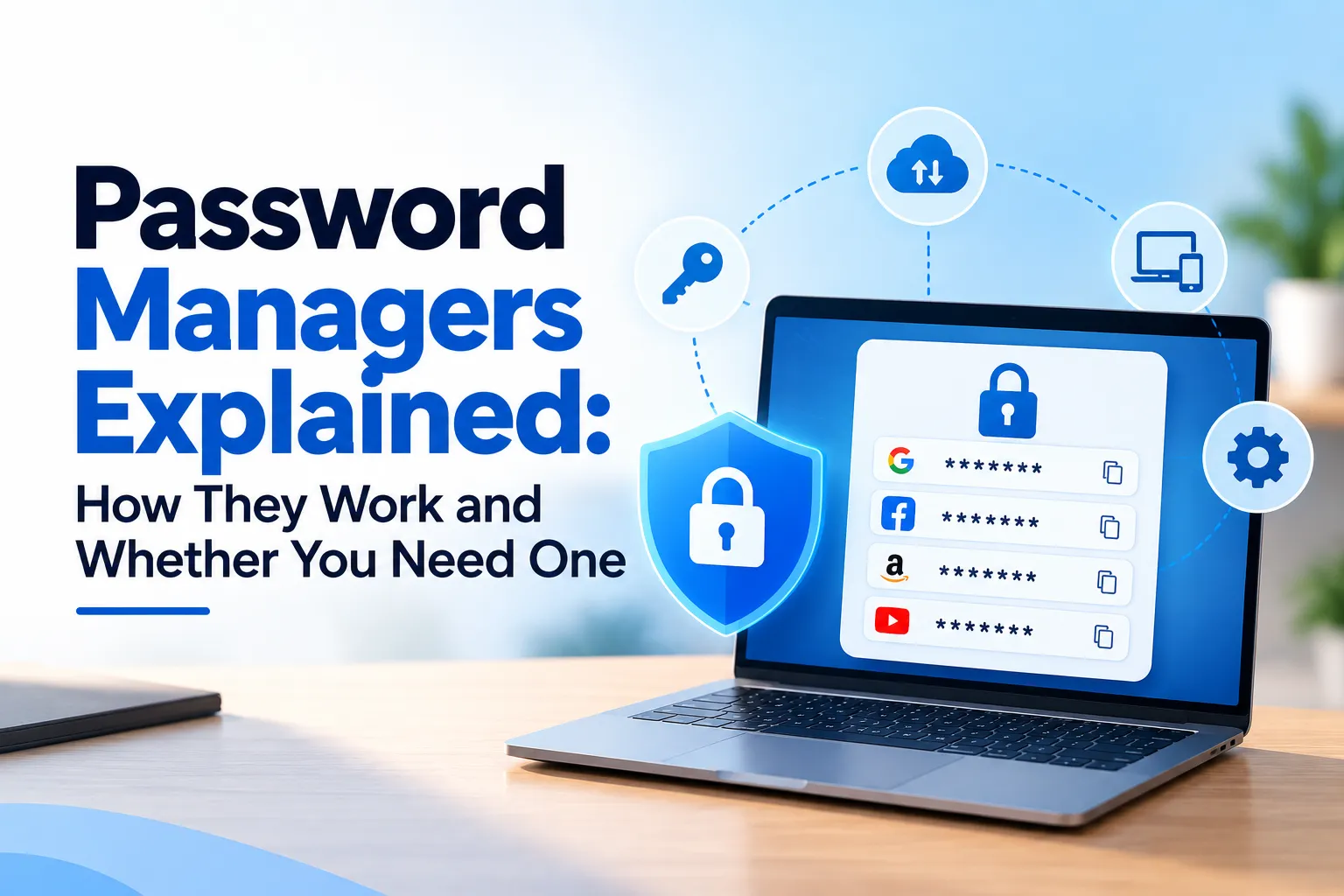
A password manager is an application or digital service that stores and organizes login credentials in an encrypted password vault.
Instead of memorizing dozens of passwords, you remember one strong master password or use another supported authentication method to unlock your vault.
Depending on the provider, your vault may contain:
- Website usernames and passwords
- Secure notes
- Wi-Fi credentials
- Payment information
- Recovery codes and other sensitive details
For example, imagine you use separate accounts for email, online banking, shopping, and social media. A password manager can store a different password for each account and help you retrieve the right one when you need it.
This approach makes password security more manageable without requiring you to remember every login manually.
How Do Password Managers Work?
Understanding how password managers work becomes easier when you look at the process step by step.
1. Create and Secure Your Vault
You install or access a password manager and configure its security settings. Depending on the service, you may create a master password, enable multi-factor authentication, and set up account recovery options.
2. Save Your Login Details
You can add existing credentials manually or import them from a supported browser or another password manager. Some tools also offer to save new credentials when you sign in to a website.
3. Generate Strong, Unique Passwords
Many password managers include password generators that create long, random combinations of letters, numbers, and symbols.
You can use a different generated password for every account. This helps prevent a security breach at one website from exposing all your other accounts through password reuse.
4. Autofill Login Information
When you visit a supported website or app, the password manager can suggest or fill in the matching credentials.
You should still check that you are on the legitimate website before signing in. Autofill behavior varies by tool, and it does not eliminate phishing risks.
5. Sync Your Vault Across Devices
Many services let you access your vault from a phone, tablet, and computer. They typically synchronize encrypted vault data, although the exact process depends on the provider.
How Does Encryption Protect Your Passwords?
Encryption converts readable information into a form that unauthorized people cannot easily understand without the appropriate key.
Some password managers also use a zero-knowledge architecture. In a properly designed zero-knowledge system, the provider cannot access the contents of your vault in readable form because it does not possess the necessary decryption secrets.
However, security designs differ between providers. Check the service’s technical documentation rather than assuming every password manager uses identical protections.
Are Password Managers Safe?
A common question is: Are password managers safe to use? Reputable password managers can improve your security when you configure and use them correctly. NIST also recognizes their value in helping people create and manage unique passwords. <Cite refs={[“turn304345search7″,”turn304345search1”]}/>
However, no security tool eliminates every risk.
Important Security Protections
- Encryption: A secure vault encrypts stored credentials to protect them from unauthorized access.
- Strong master password: A long, unique passphrase makes it harder for attackers to guess your vault password.
- Multi-factor authentication (MFA): This adds another verification step when you access your account.
- Security updates: Updated apps can address known vulnerabilities and improve protection.
What Risks Should You Know About?
Attackers may target password manager accounts through phishing, compromised devices, stolen authentication credentials, or weaknesses in a provider’s systems.
If someone gains access to an unlocked vault, they may be able to view its contents. For this reason, protect your devices, lock your vault when appropriate, and verify websites before entering credentials.
Choose a provider that explains its encryption, security practices, recovery process, and incident response policies. <Cite refs={[“turn304345search0″,”turn304345search7”]}/>
Main Benefits of Using a Password Manager
Password managers offer several practical advantages:
- Strong, unique passwords: Generate a different password for each account.
- Less password reuse: Reduce the risk that one compromised password exposes multiple accounts.
- Convenient autofill: Save time when signing in to supported websites and apps.
- Simpler account management: Keep many credentials organized in one place.
- Secure sharing: Some services let you share selected credentials through controlled methods.
- Better security habits: Make strong passwords easier to use consistently.
Some password managers also support passkeys, secure notes, and alerts about exposed or reused passwords. Available features vary by provider and plan.
Password Manager vs. Browser Password Storage
Modern browsers often include built-in password managers. These can provide useful security features, so a dedicated tool is not automatically safer in every situation.
| Feature | Browser Password Storage | Dedicated Password Manager |
| Password storage | Saves logins in the browser’s password store | Organizes logins in a dedicated vault |
| Cross-device access | Depends on browser and account syncing | Depends on provider and plan |
| Password generation | Often available | Commonly available |
| Security features | Vary by browser | Vary by provider |
| Additional secure storage | Usually more limited | May include notes, files, and other features |
If your browser already provides secure password storage, synchronization, and suitable protection, it may meet your needs. A dedicated manager may suit you better if you use different browsers, need extra features, or want more centralized control.
Do You Really Need a Password Manager?
A password manager can benefit almost anyone who maintains multiple online accounts, especially:
- People who reuse passwords across websites.
- Students and professionals with many accounts.
- Remote workers who access business systems.
- People who manage financial, shopping, email, and social media accounts.
If you already use a reliable password manager or a secure built-in browser solution, you may not need another tool.
The main goal is to use strong, unique passwords for every account and protect access to them.
How to Choose and Use a Password Manager
Follow these best password management practices:
- Choose carefully. Review the provider’s security documentation, reputation, supported devices, and recovery options.
- Create a strong master password. Use a long, unique passphrase that you do not use anywhere else.
- Enable MFA. Add another layer of protection to your password manager account whenever supported.
- Protect recovery information. Store recovery codes securely and understand what happens if you lose access.
- Update your devices. Install operating system, browser, and password manager updates promptly.
- Watch for phishing. Verify website addresses before signing in or allowing autofill.
- Review security alerts. Investigate warnings about exposed, weak, or reused passwords.
- Explore passkeys. Where supported, passkeys can replace passwords for compatible accounts and help resist phishing.
For important accounts such as email and banking, enable MFA or stronger phishing-resistant authentication options whenever available. CISA recommends strong, unique passwords alongside additional authentication protections. <Cite refs={[“turn304345search25″,”turn304345search9”]}/>
Frequently Asked Questions
1. What is a password manager in simple terms?
A password manager is an application that securely stores your passwords so you do not need to remember every login. It can also generate strong passwords and fill them in when needed.
2. Are password managers safe to use?
Reputable password managers use security measures such as encryption to protect stored credentials. You should still choose a trustworthy provider, secure your master password, enable MFA, and protect your devices.
3. Can a password manager be hacked?
Yes. Attackers may exploit software vulnerabilities, steal account credentials, or compromise a user’s device. Strong authentication, updates, and careful security practices help reduce these risks.
4. What happens if I forget my master password?
Recovery options depend on the provider. Some services offer account recovery, recovery keys, or emergency access features. Others may be unable to recover an encrypted vault without the necessary credentials. Understand the recovery process before storing important information.
5. Is a free password manager good enough?
A free password manager can meet many people’s needs if it provides appropriate security, reliable password generation, and the features they require. Compare its protections and limitations rather than judging it by price alone.
Conclusion
Password managers make it easier to maintain strong password security without memorizing dozens of complicated credentials. They can generate unique passwords, organize account information, and simplify everyday logins.
Although no tool guarantees complete protection, a well-chosen password manager can reduce password reuse and strengthen your online security when you combine it with multi-factor authentication, updated devices, and careful browsing habits.
For most people who manage multiple online accounts, using a reputable password manager is a practical step toward better cybersecurity. Choose a solution that fits your needs, protect your vault carefully, and review your security settings regularly.
Disclaimer: This article provides general technology and cybersecurity information, not individualized security advice. Your needs may vary depending on your devices, accounts, workplace policies, and risk level. Always review a provider’s current security documentation before choosing a password manager.