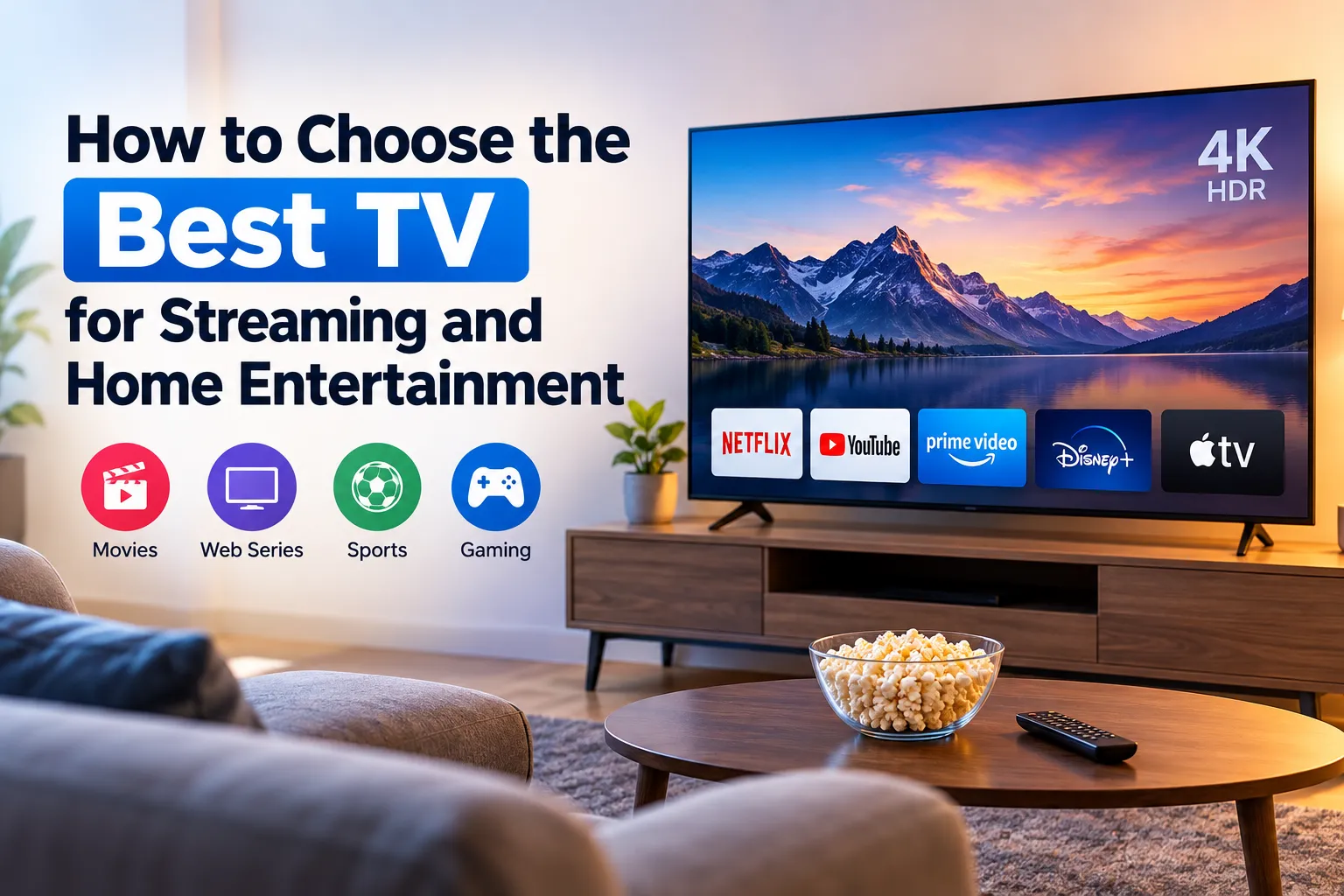
Televisions have evolved from simple devices for watching broadcast channels into complete home entertainment systems. Today, you can stream movies, watch web series, enjoy live sports, play video games, and access online content from one screen.
However, choosing the right TV can feel confusing because manufacturers offer different screen sizes, display technologies, resolutions, and smart features.
Understanding how to choose the best TV for streaming and home entertainment can help you find a television that matches your room, viewing habits, and budget. Rather than focusing only on brand names or screen size, consider picture quality, streaming compatibility, sound, connectivity, and long-term value.
Consider Your Main Entertainment Needs
Before buying a TV, think about how you plan to use it. Your viewing habits should guide your decision.
- Movies and web series: Look for good contrast, accurate colors, 4K resolution, and HDR support. These features can improve compatible content.
- Live sports: Choose a TV with smooth motion handling, good brightness, and wide viewing angles if several people watch together.
- Video games: Check input lag, refresh rate, HDMI connectivity, and gaming features that match your console or PC.
- Family entertainment: Prioritize a simple interface, reliable streaming apps, clear sound, and a screen size that suits your living room.
A TV that works well for movie nights may also serve sports fans and casual gamers. The goal is to find the right balance for your household.
Choose the Right TV Screen Size
Screen size plays a major role in your viewing experience. A larger screen can make movies and sports more immersive, but it must fit your room and viewing distance.
Here is a simple TV screen size guide:
- 43-inch TV: Suitable for smaller rooms, bedrooms, and compact apartments.
- 55-inch TV: A versatile option for many living rooms and everyday viewing.
- 65-inch TV: Worth considering for larger living rooms and a more immersive movie experience.
- 75-inch TV: Best suited to spacious rooms where viewers can sit far enough away.
These are general guidelines rather than strict rules. Resolution, seating arrangement, and personal preference also matter.
Before purchasing, measure your available wall or TV stand space. Then consider how far you usually sit from the screen. A bigger TV is not automatically better if it overwhelms the room or forces you to move your head constantly.
Understand TV Display Technology
Display technology affects contrast, brightness, colors, and the overall picture. The three common options include LED, QLED, and OLED.
| Display Type | Main Advantage | Best For |
| LED | Generally affordable and available in many sizes | Everyday viewing and budget-conscious buyers |
| QLED | Uses quantum dots to enhance color and often offers high brightness | Bright living rooms, sports, and colorful content |
| OLED | Each pixel produces its own light, allowing deep blacks and precise contrast | Movie lovers and dark-room viewing |
OLED vs LED TV: Which Should You Choose?
OLED TVs can deliver excellent contrast because individual pixels can turn off completely. This makes dark scenes look particularly impressive.
LED TVs use a backlight and often cost less. QLED models build on LED technology with a quantum-dot layer that can improve color performance.
For a bright room, a high-brightness QLED or LED model may be a practical choice. For evening movie sessions, OLED can offer an appealing cinematic experience.
Compare the specific models rather than assuming every TV within one category performs equally well.
Look for 4K Resolution and HDR
Resolution determines how much detail a screen can display.
Full HD offers 1,920 × 1,080 pixels, while 4K UHD offers 3,840 × 2,160 pixels. A 4K TV for streaming can display more detail than a Full HD TV when you watch compatible 4K content.
Many streaming platforms offer 4K movies and shows, although availability depends on the title, subscription plan, region, and internet connection.
HDR stands for High Dynamic Range. It helps compatible TVs display a wider range of brightness and color, which can reveal more detail in bright highlights and dark scenes.
However, resolution alone does not determine picture quality. Panel quality, contrast, brightness, HDR performance, and the quality of the original content also influence what you see.
Check Smart TV Features and Streaming Apps
A modern home entertainment TV should make streaming simple.
Check whether the TV offers the apps you use regularly, such as Netflix, YouTube, and Prime Video. App availability can vary by country, operating system, and specific model, so verify regional support before purchasing.
Also consider these smart TV features:
- Easy navigation: Menus should feel simple and responsive.
- Reliable Wi-Fi: A stable connection helps you stream content smoothly.
- Software updates: Regular updates can improve compatibility and address security issues.
- Voice control: Useful if you prefer searching for shows or controlling playback with voice commands.
- App support: Confirm that your preferred services work on the TV’s operating system.
If the built-in software lacks an app you need, a compatible external streaming device may provide another option.
Pay Attention to Sound Quality
Picture quality attracts attention, but sound also shapes your entertainment experience.
Some slim TVs produce limited bass or struggle to deliver clear dialogue at higher volumes. Performance varies by model, so check reviews and listen to the TV if possible before buying.
Consider the following:
- Clear dialogue for films, news, and web series.
- Enough volume for your room without noticeable distortion.
- Dolby Atmos support if you want compatible audio features.
- A soundbar or external speaker system if you want fuller sound.
Dolby Atmos support alone does not guarantee immersive audio. The TV, speakers, audio source, and connected equipment all influence the result.
If your budget is limited, prioritize a TV with good picture quality and plan for a soundbar later if needed.
Check Connectivity and Gaming Features
TV connectivity determines which devices you can connect and how well they work together.
Before buying, check for:
- HDMI ports: Connect gaming consoles, streaming devices, set-top boxes, and sound systems.
- eARC: Helps compatible TVs send higher-bandwidth audio to compatible soundbars or receivers.
- Bluetooth: Connect compatible wireless headphones and other accessories.
- Wi-Fi: Connect the TV to your home network.
- USB ports: Play supported media or connect compatible accessories.
- HDMI 2.1, high refresh rates, and VRR: Useful for compatible gaming systems that support these features.
A high refresh rate matters more for gaming and certain fast-motion content than for ordinary movie streaming. Most films use relatively low frame rates, so casual streamers may not need an expensive high-refresh-rate TV.
Choose connectivity features based on the equipment you actually own.
Set a Realistic Budget
TVs generally fall into entry-level, mid-range, and premium categories.
Entry-level TVs can suit everyday streaming and casual viewing. Mid-range TVs often provide a useful balance of picture quality, smart features, and connectivity. Premium TVs may offer better contrast, higher brightness, advanced gaming features, or more sophisticated processing.
Do not choose a TV based on brand reputation alone. Compare the features and performance of specific models.
Remember to include additional expenses such as installation, a wall mount, a soundbar, extended warranty coverage, or a streaming device. Also check local after-sales service, warranty terms, and energy consumption.
The best purchase delivers the features you will use without stretching your budget unnecessarily.
Common Mistakes to Avoid When Buying a TV
Avoid these common buying mistakes:
- Choosing a screen that does not suit your room or viewing distance.
- Ignoring dialogue clarity and sound quality.
- Assuming every smart TV supports your preferred streaming apps.
- Paying extra for gaming features you will never use.
- Overlooking HDMI ports and audio connectivity.
- Choosing a TV based only on resolution or screen size.
- Ignoring warranty coverage, installation costs, and local service availability.
A little research before purchasing can help you avoid expensive disappointments.
Frequently Asked Questions
1. Which TV is best for streaming movies and web series?
Look for a TV with good contrast, accurate colors, 4K resolution, HDR support, and reliable streaming apps. OLED models suit many movie enthusiasts, while quality LED and QLED models can also deliver excellent results.
2. Is a 4K TV worth buying for home entertainment?
Yes, a 4K TV is worth considering if you want detailed images and access to compatible 4K content. Your viewing experience also depends on screen size, content quality, and viewing distance.
3. Is OLED better than LED for watching movies?
OLED generally delivers deeper blacks and stronger contrast. LED models can offer higher brightness at competitive prices. The better choice depends on your room, budget, and viewing preferences.
4. What TV size is best for a living room?
A 55-inch or 65-inch TV suits many living rooms, but the ideal size depends on seating distance, room layout, and personal preference.
5. Do I need a separate streaming device for a smart TV?
Not necessarily. A smart TV with all your preferred apps may be enough. You might need an external device if you want additional apps or prefer a different interface.
Conclusion
Learning how to choose the best TV for streaming and home entertainment starts with understanding your viewing habits, room size, and budget. Look beyond screen size and brand names to compare picture quality, display technology, streaming apps, sound, and connectivity.
A carefully chosen TV can improve movie nights, sports viewing, gaming, and everyday family entertainment without requiring you to pay for features you do not need.
Choose the TV that fits your lifestyle, delivers the quality you value, and offers the best balance of performance and price.